By John Glendenning ·
Version 3 - Strydr's biggest update since launch
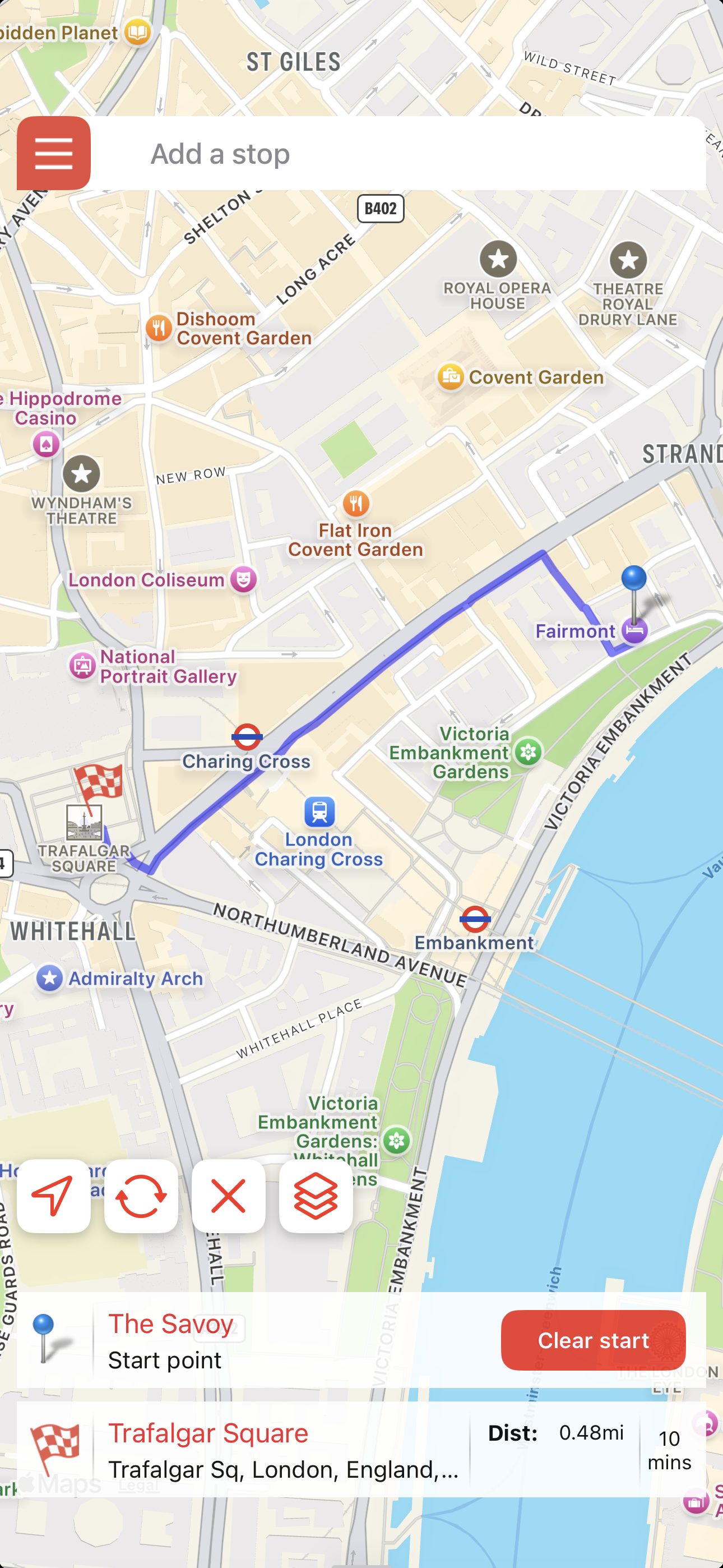
When I built Strydr, trip planning ended up in its own corner of the app. You picked Trip Planner from the menu and you were somewhere else. It was a different mode and though it worked, it was always a bit clunky.
You shouldn't have to tell an app what kind of walking you are about to do. You are either walking somewhere now, or planning for a walk in the future, and the app should just keep up.
Version 3 is the biggest update of Strydr to date. Here are the headlines.
Where the walk begins is now up to you
Tap any place on the map and make it your start. Strydr builds the walking route from there, so you can work out a walk long before you are standing in it. One tap swaps back to starting from where you are.
Planning a city break? Start at your hotel and create your walking plan. Heading for a meeting in the city? Find the nearest public transport stop and that coffee stop nearby.
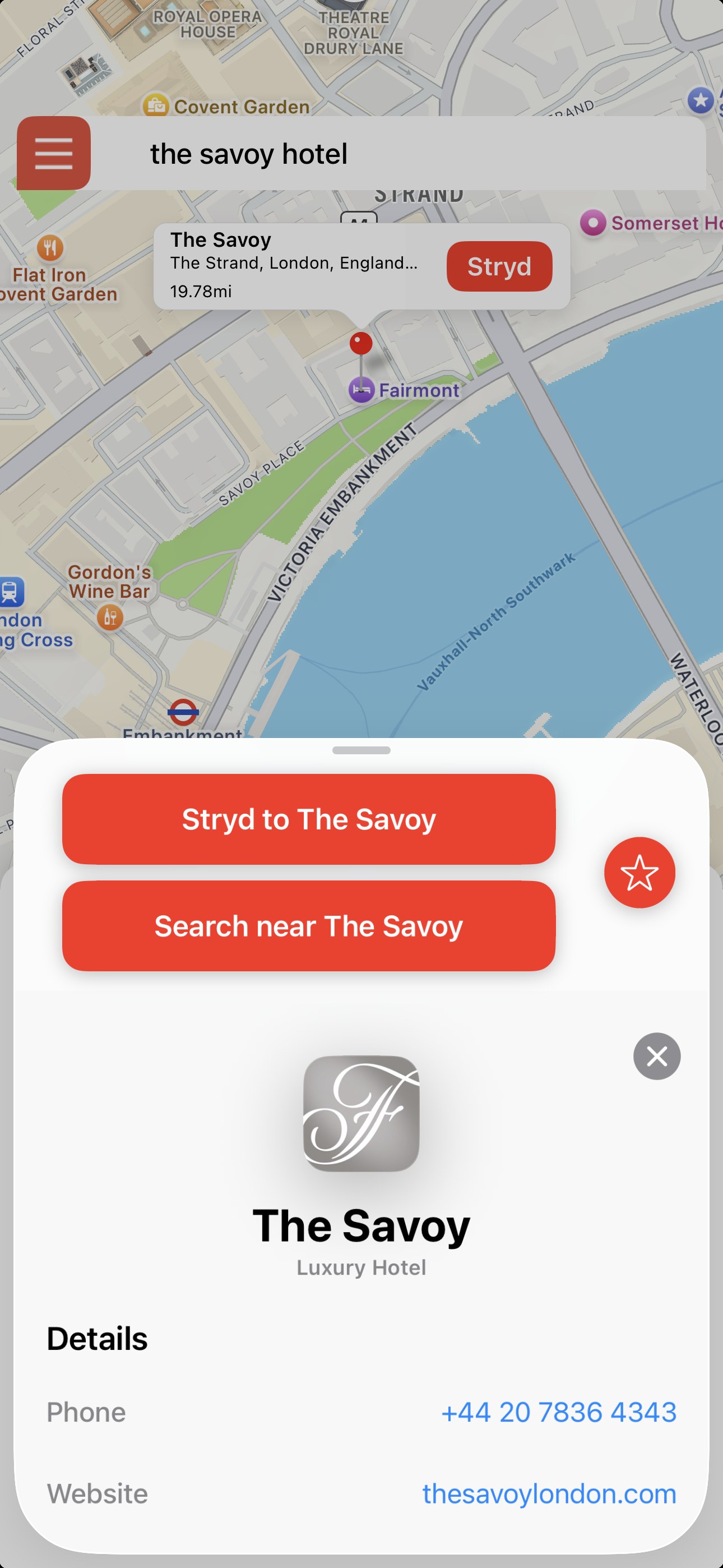
And the trip builds around it
Trip planning is no longer a separate mode to switch into. Search, route plan, save and tag from whatever search result you select, or wherever you move the map to.
No need to select Trip Planner from the menu. You now Stryd and plan your trips in one place. Your saved places and tags are exactly where you left them.
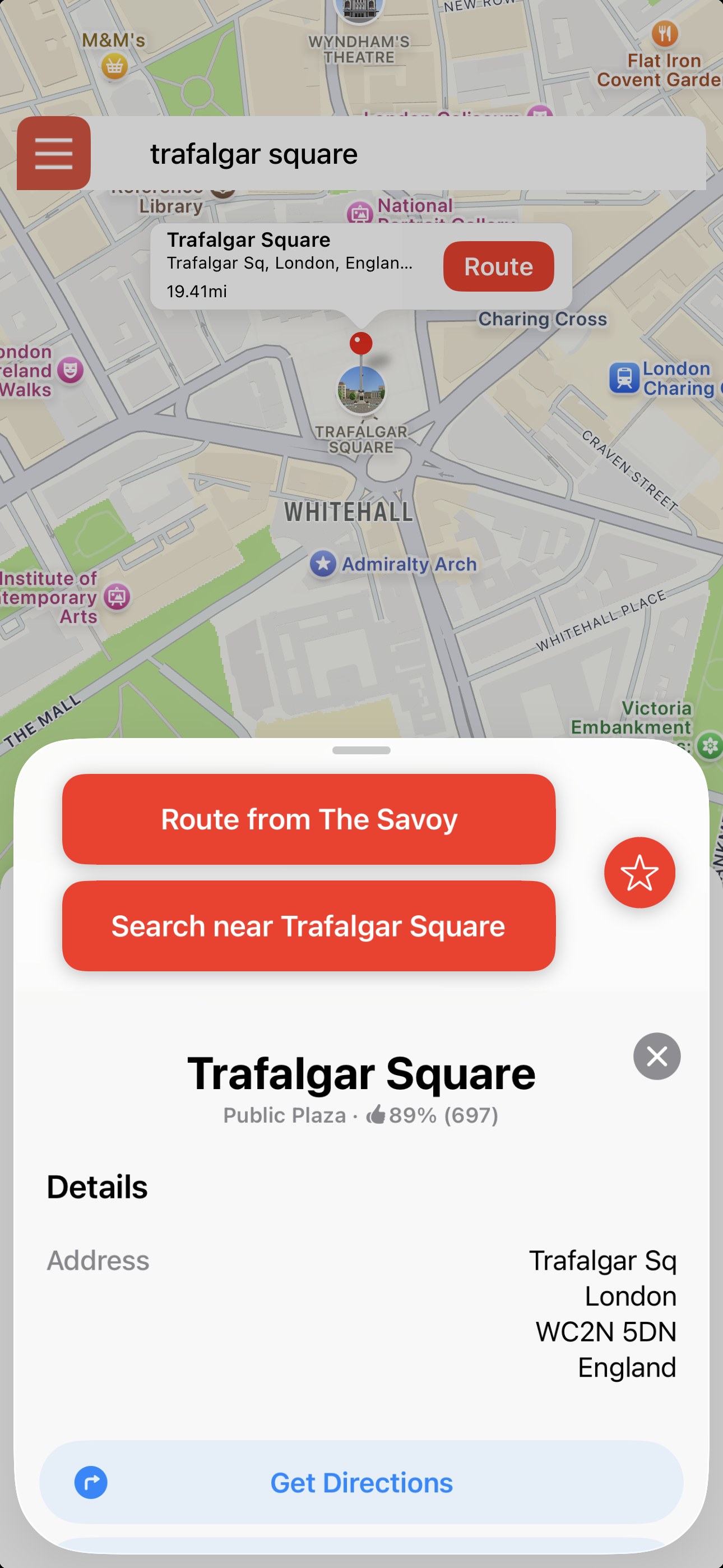
How to plan a trip
Start by searching for where you want to start your trip - your hotel, Airbnb, a train station. Select it from the search results and then tap the bottom "Search near" button. You'll get taken to that location and all your searches and routes will be anchored here. When you are finished, select "Clear start", then rinse and repeat as needed.
Every result points the way
Every search result carries its own mini compass, so you can instantly see which direction to head.
The bottom line…
Strydr has always been about pointing you at where you are going and letting you find your own way there. Version 3 extends that to the walks you haven't taken yet. Set a start anywhere in the world, plan around it, then clear it and walk out of your own front door. It's the same app, same unique compass pointer, just a more seamless and easier to use experience.
Try Strydr today
Version 3 is on the App Store now. Download Strydr and start exploring your city the way it was meant to be seen, on foot.
Try Strydr Today
Available now on the App Store for iPhone
Learn more: strydrapp.com
Questions or feedback? [email protected]